01
The problemCheck-in is an extra you pay for
Many event platforms sell check-in, badge printing or on-site kits as add-ons to the main licence, often on a higher plan or by quote only.

CueCheck-in · our own check-in software
We built CueCheck-in after years of running registration desks at conferences. It runs in a browser, keeps working when the Wi-Fi drops, and checks in a whole company with one scan.
Why we built it
These are the problems we hit at our own events and see in how check-in is sold today. Each card says how CueCheck-in handles it.
Many event platforms sell check-in, badge printing or on-site kits as add-ons to the main licence, often on a higher plan or by quote only.
Annual or multi-year terms, automatic renewal and notice periods of up to 90 days cost the most for organisers who run a few events a year.
Most tools need their own app on every staff phone or iPad, often with a minimum iOS version and a staff login on each one.
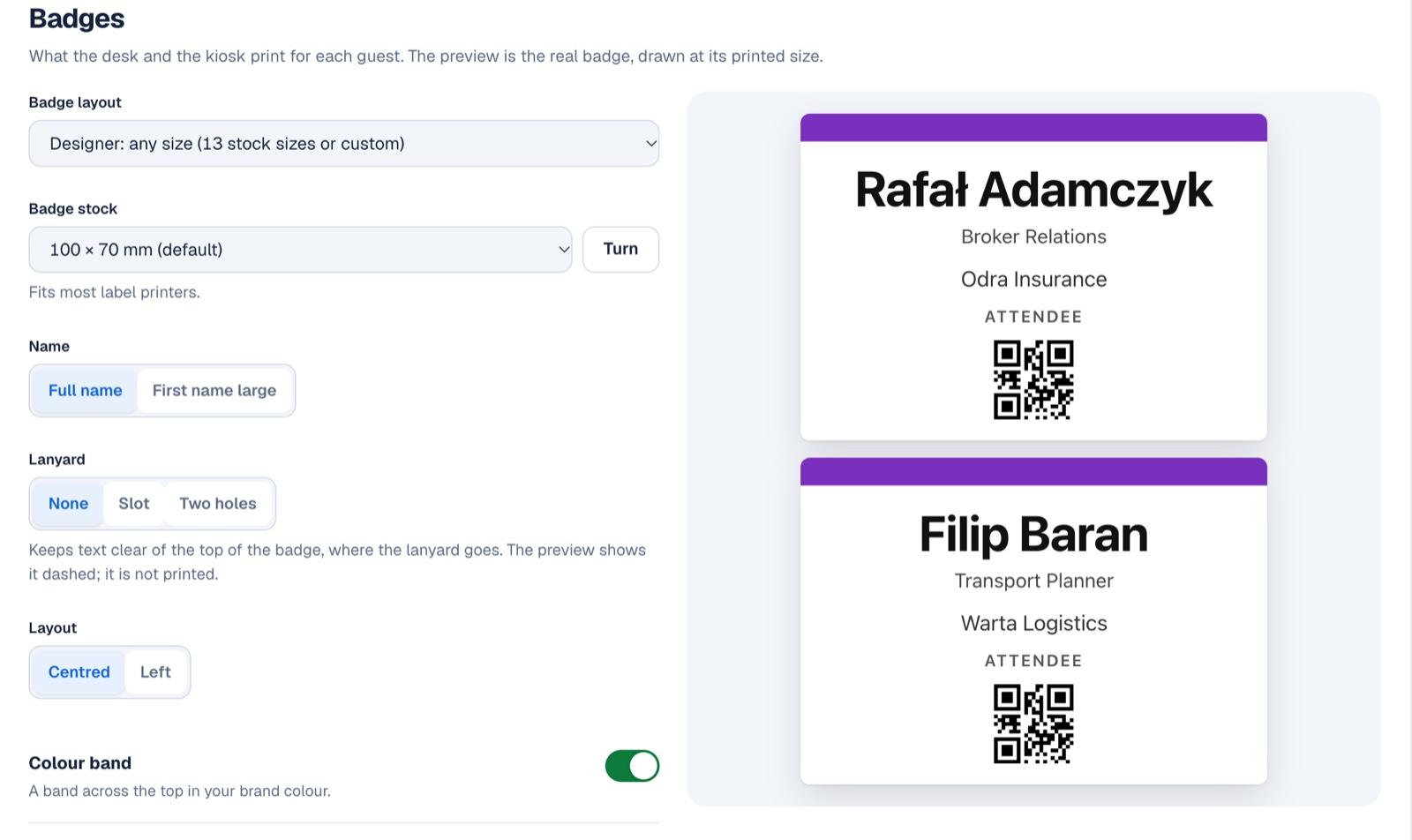
Badge printing often works only with named Zebra or Brother models, sometimes only from iOS, in black and white or with fixed label layouts.
Offline modes come with conditions: no new registrations, badges downloaded in advance, or data lost if devices sync in the wrong order.
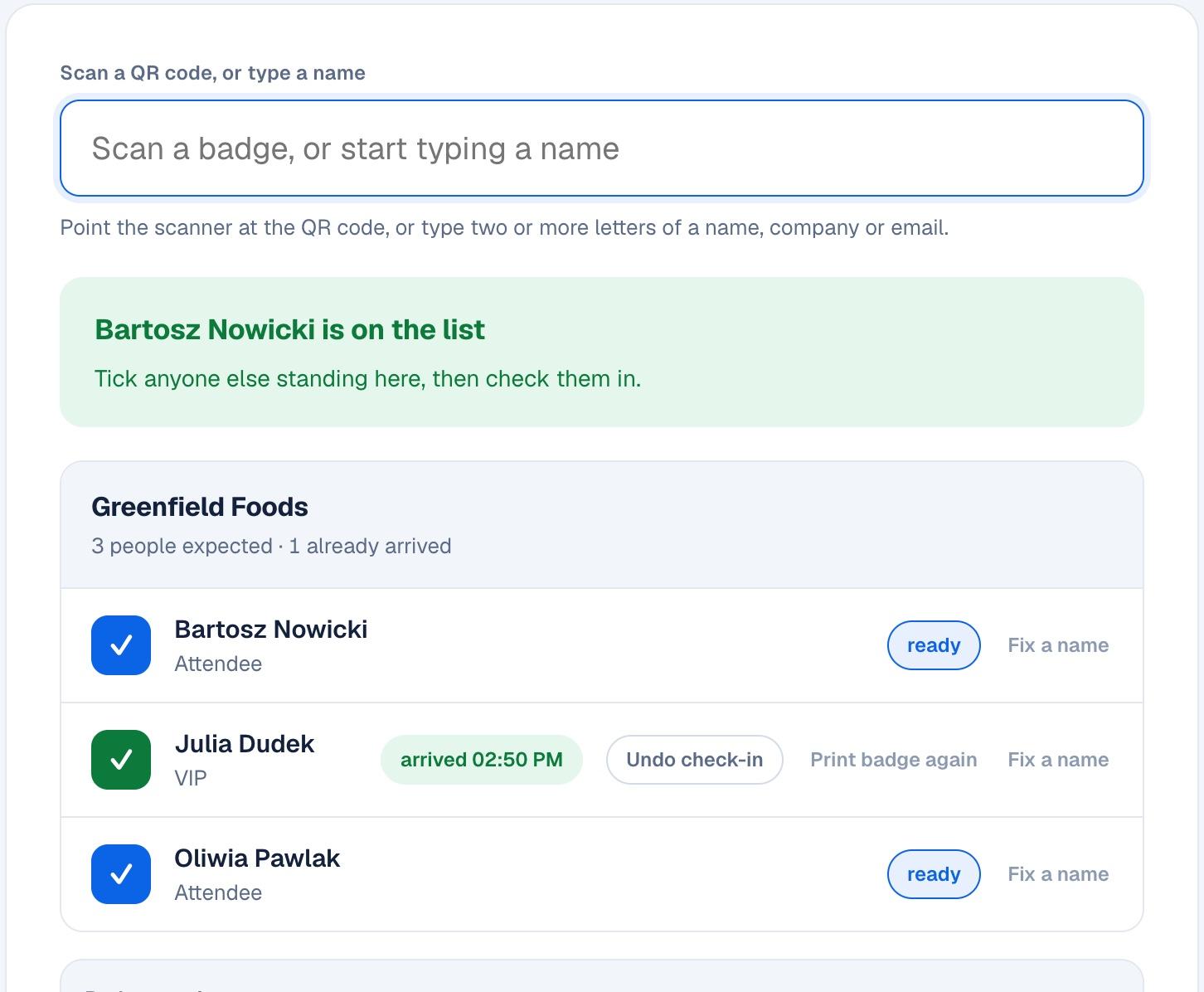
Colleagues arrive together, but the desk checks them in one at a time while the VIPs wait in the same line.
One scan brings up the whole company and staff tick who is there. VIP and speaker arrivals alert every desk the moment they scan.
From our own registration desksSide by side
Taken from each vendor's own pricing and help pages on 11 November 2026. Where a vendor doesn't publish something, the table says so.
| CueCheck-in | b2match | Cvent OnArrival | Swapcard | zkipster | Eventbrite | |
|---|---|---|---|---|---|---|
| Check-in price | €249 per event excl. VAT, no per-guest fee | Quote only. Check-in and badge printing are add-ons1 | Included in the Event Management licence, quote only. Badge printing needs Premium2 | On-site kit and badge printing are add-ons, no public price3 | Subscription with an event allowance per year or per month4 | App free, fee on every paid ticket5 |
| Contract | None, pay per event | Single or multi-event packages via sales1 | Annual or multi-year order forms2 | Annual plans, automatic renewal, 90 days' notice3 | Monthly or annual, renews automatically4 | None for standard ticketing5 |
| Staff devices | Any browser. Phones scan with the camera, no install | b2match Entrance app, iOS 16.4+ or Android, organiser login1 | OnArrival app on iPhone or iPad, iOS 18+. The Android version has fewer features2 | SwapAccess app, iOS 14+3 | zkipster app, iOS 18+ or Android 13+4 | Organizer app on iOS or Android, or a laptop browser5 |
| Badge printing | Built in. Any printer the browser reaches, 13 badge sizes | Add-on. Fixed labels on Brother QL-820NWB or QL-829NWBC; custom badges by AirPrint, iOS only1 | Premium upgrade, events up to 750 guests. Zebra printers in Cvent's kits2 | Paid add-on. LinkOS Zebra printer, iOS only3 | Professional or Enterprise plans. Named Brother printers, black and white, set templates4 | No on-site printing. Badges exported to print in advance5 |
| Offline | Desk and phone scanners keep working, then sync | Offline mode stated; closing the app deletes its history1 | Works once the event and badges are downloaded; no walk-in registration offline2 | Scans against a cached guest list; set up online first3 | Works offline, but devices don't sync with each other; a forced logout loses unsynced data4 | Offline check-in, syncs when back online5 |
Vendors change their offers. If something here is out of date, tell us and we will correct it.
Inside CueCheck-in
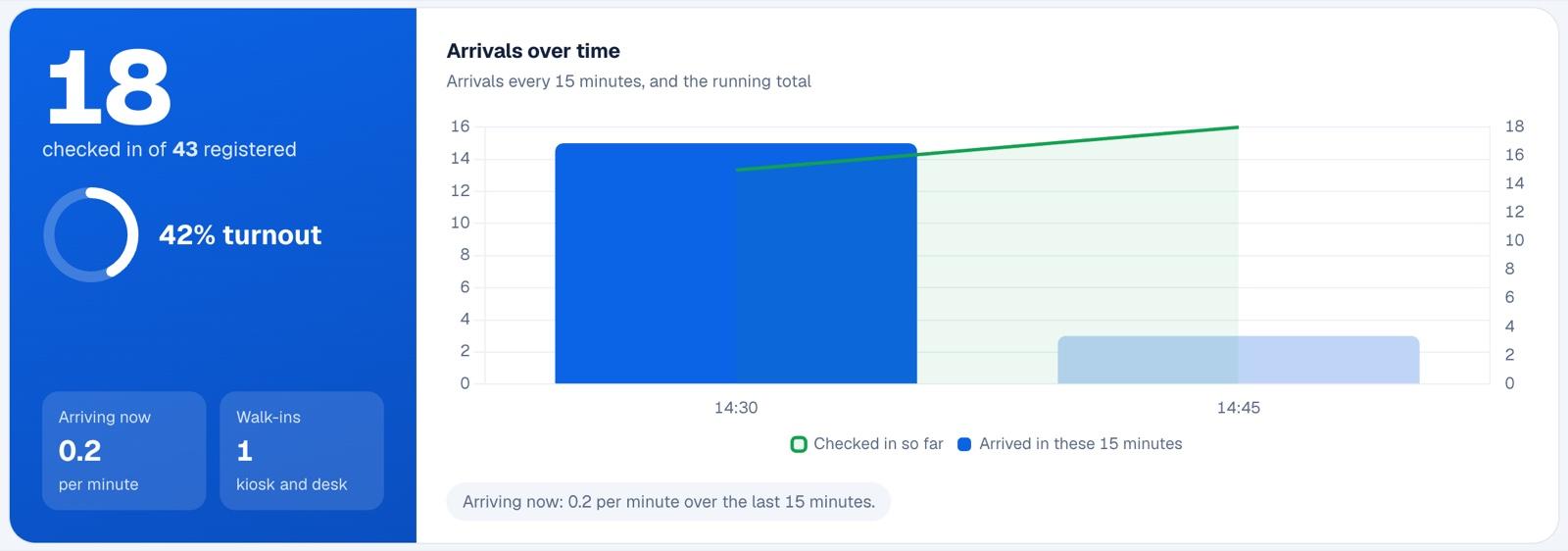
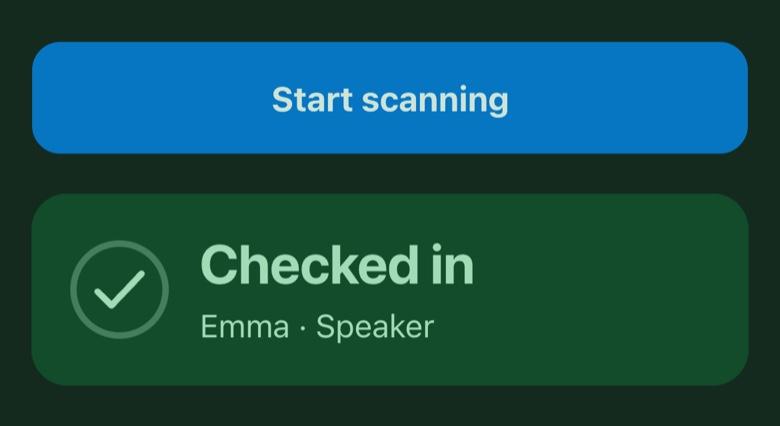
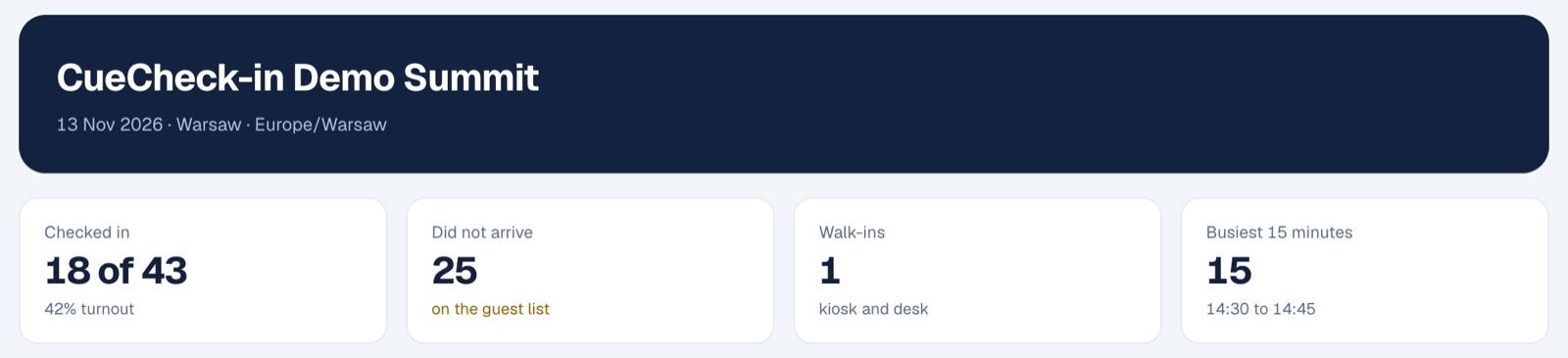
Screenshots from a test event with sample guests, taken in November 2026.
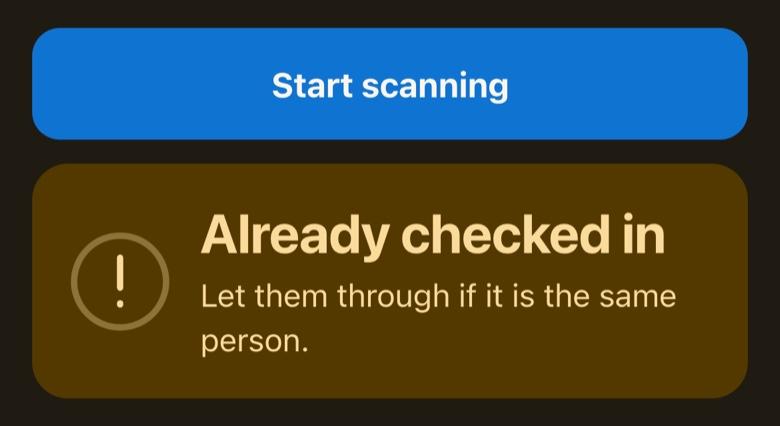
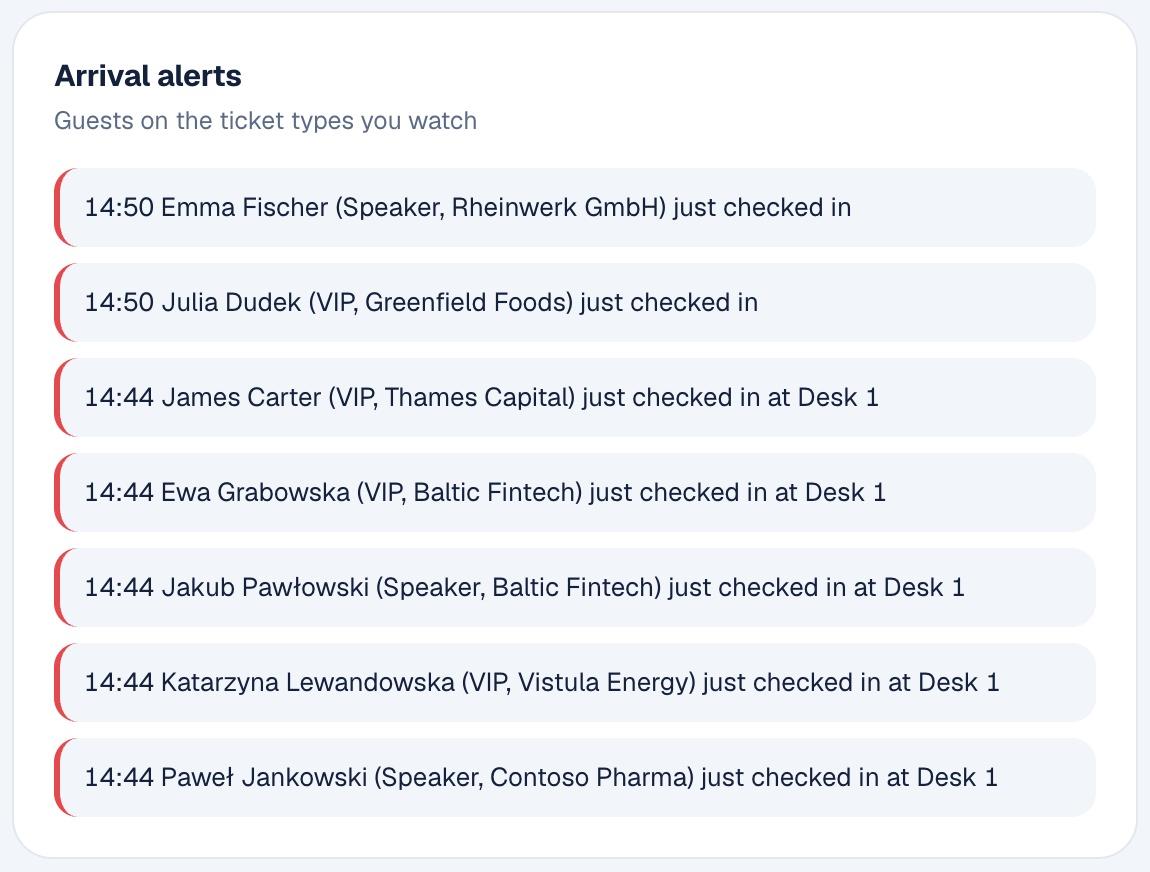
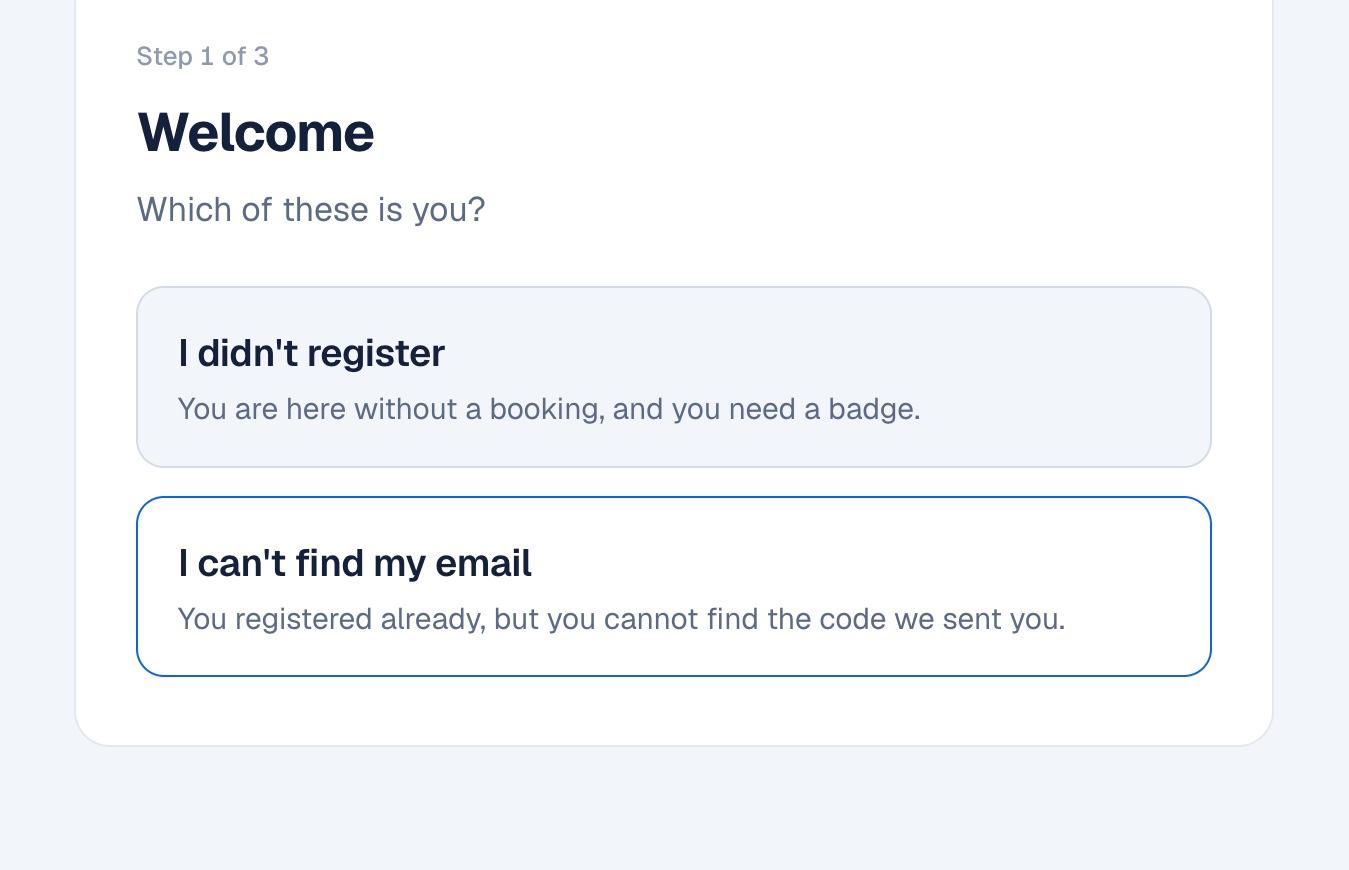
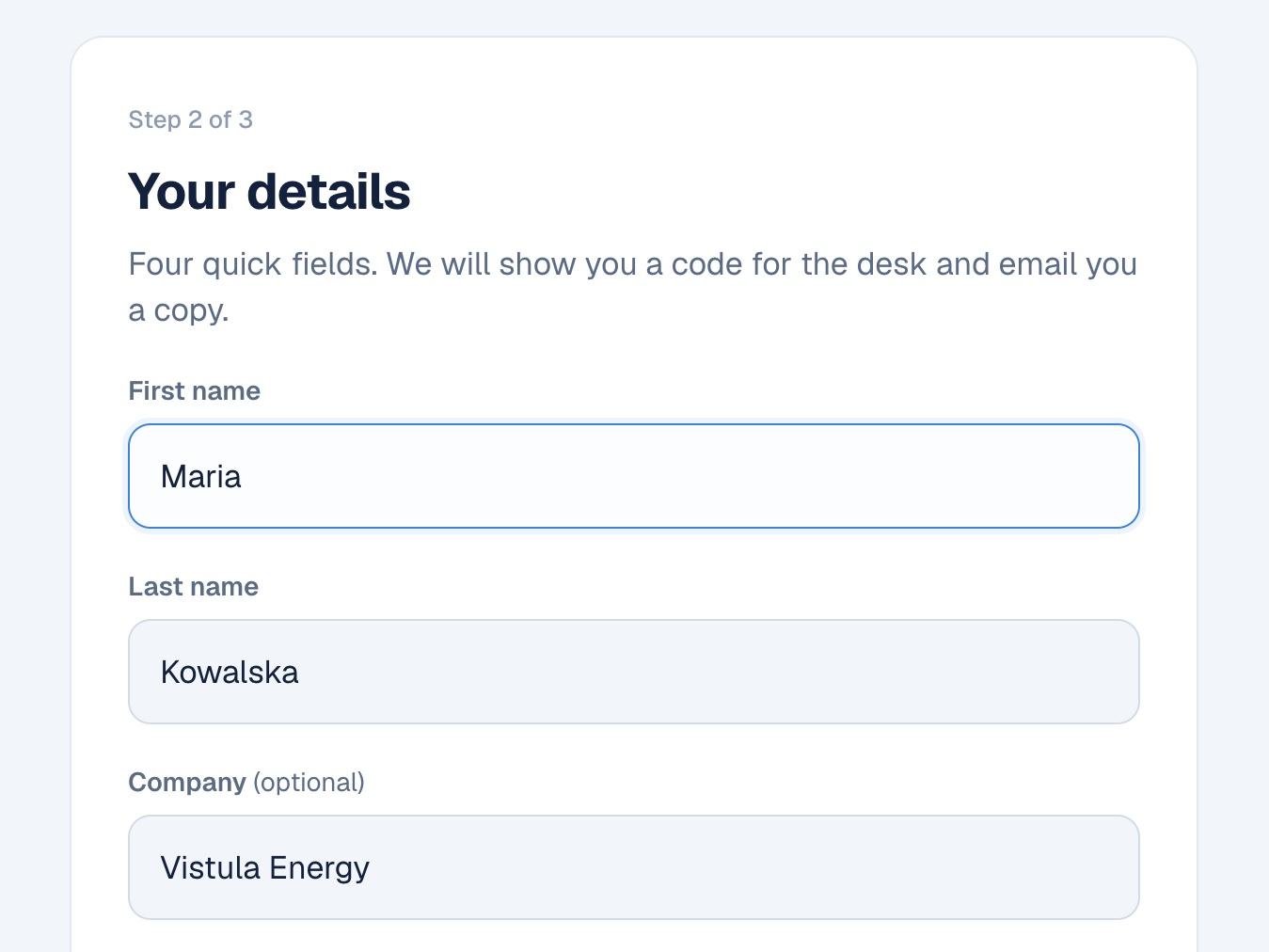
What you get
Two ways to use it
Our team brings the desks, label printers, kiosks and staff, sets up CueCheck-in with your guest list and runs the door. Priced as part of your event quote.
Staffed, self or combined check-in →Use the same software on your own devices: set up and test for free, then pay per event to go live.
Ask about self-service access →What organisers ask before they switch.
Send us your event date and expected numbers. We will set up a test event so you can try the desk and a phone scanner before you decide.
Book a demo